


You don’t know where or how to receive an efax? Don’t worry. Getting faxes shouldn’t be inconvenient for you, because you can easily and quickly get an online fax number. You don’t need a fax machine or line to get fax online. You can get your own fax number with WiseFax online fax service, and easily receive faxes. Also, you can easily access received faxes by logging in to your WiseFax Account portal, or by opting in to receive faxes directly in your email inbox as a PDF attachment.
Use WiseFax for receiving faxes
WiseFax fax number is a simple-to-use fax service that allows you to easily and securely receive an efax online. Your customers will be able to send you faxes from any physical fax machine or fax service, because your WiseFax fax number will work exactly like an ordinary fax number.
All you need to do is register with WiseFax and get your own fax number. Your faxing number will be ready for receiving in just a few seconds.
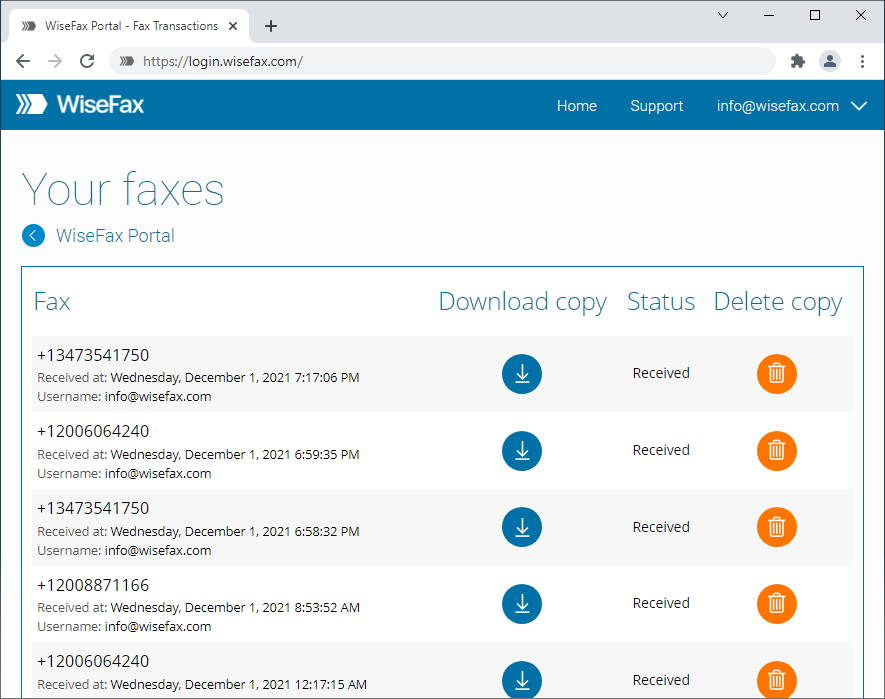
Faxes will be securely stored in your account for preview and download. Or if you prefer, you can opt-in for getting faxes in your email as a PDF attachment.
How to receive an efax as easily as possible?
Log in to the WiseFax account portal and get your own fax number right away! You can sign in with your email address or with your Google, Apple, Microsoft, or Facebook account.
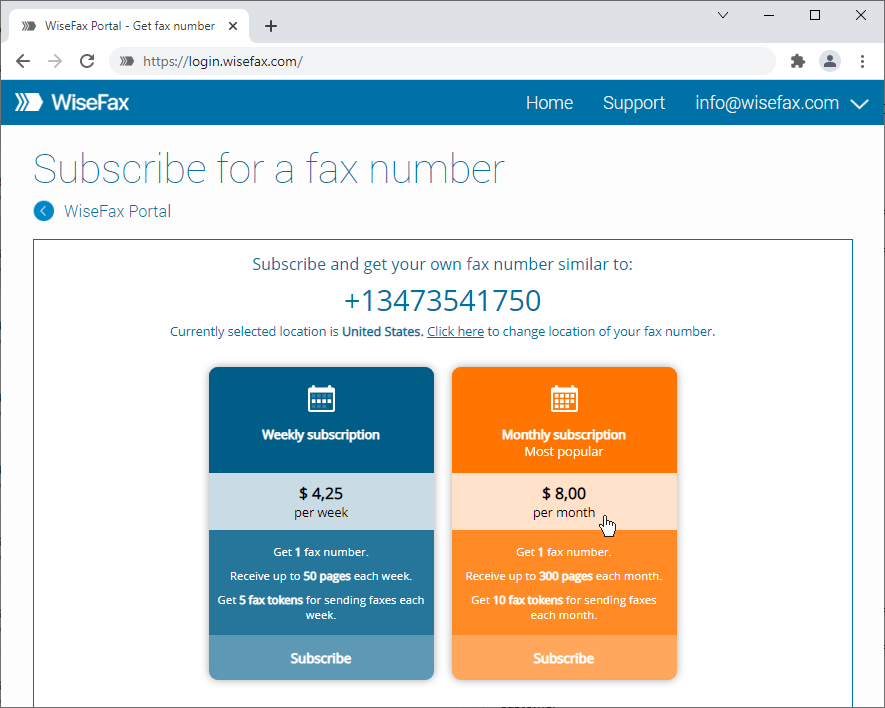
You will be ready to receive an efax in just a few seconds. We will send you an email notification every time a new fax arrives at your new fax number, so you won’t miss any.
Your own fax number is just steps away, so get your fax number and receive fax immediately. Your fax number will be active as long as your subscription is active. The subscription renews automatically at the end of each subscription period. If you no longer need your fax number, you can cancel the subscription at any time at no additional cost. It is as easy as that.
More resources
Get your own fax number now
Send a fax with WiseFax
How to fax a PDF document?