


You don’t need to prepare GIF for faxing if using WiseFax online service. WiseFax allows you to import a GIF file and it is already optimized for faxing. Here, we will explain how you can quickly, easily and securely fax GIF without converting it. You can do it from any computer that is connected to the internet.
Use WiseFax to prepare GIF for faxing
WiseFax is a simple-to-use website that automatically prepare GIF for faxing and allows you to quickly, easily and securely send it to any fax number.
Once you have your picture in GIF format ready for faxing, visit the WiseFax website (link: https://www.wisefax.com/send/).
Click the Click here to select the document button. A new window will pop up where you can select the GIF file that you want to fax.
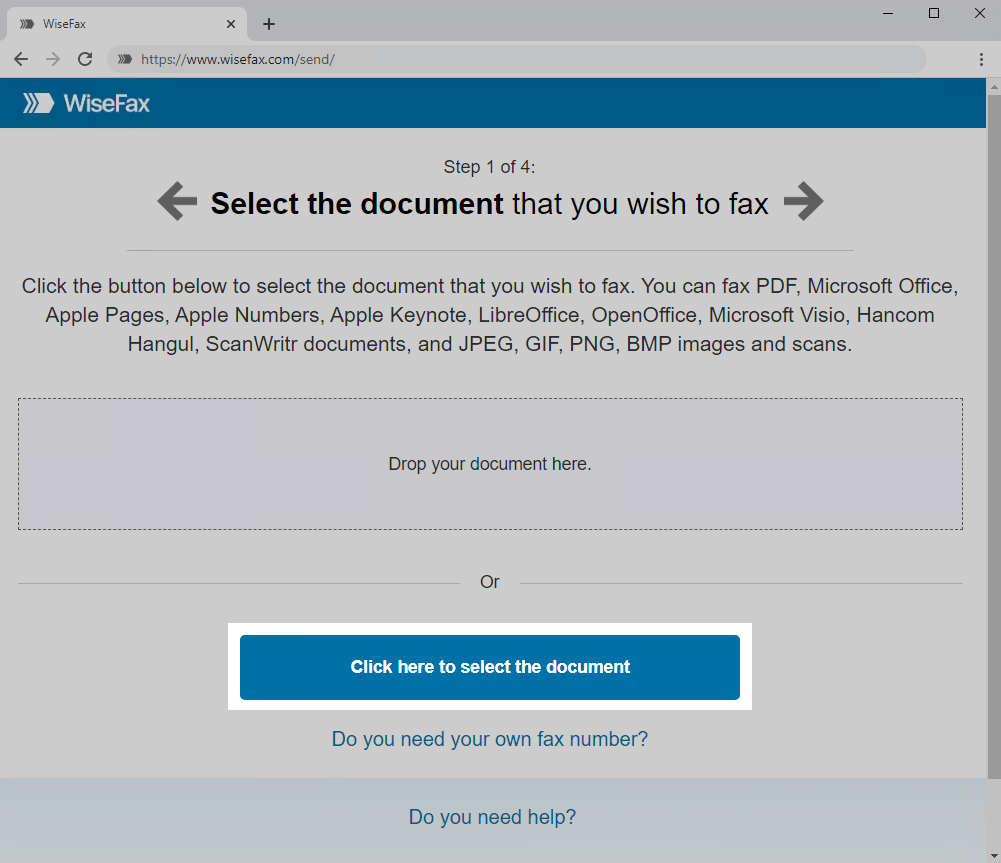
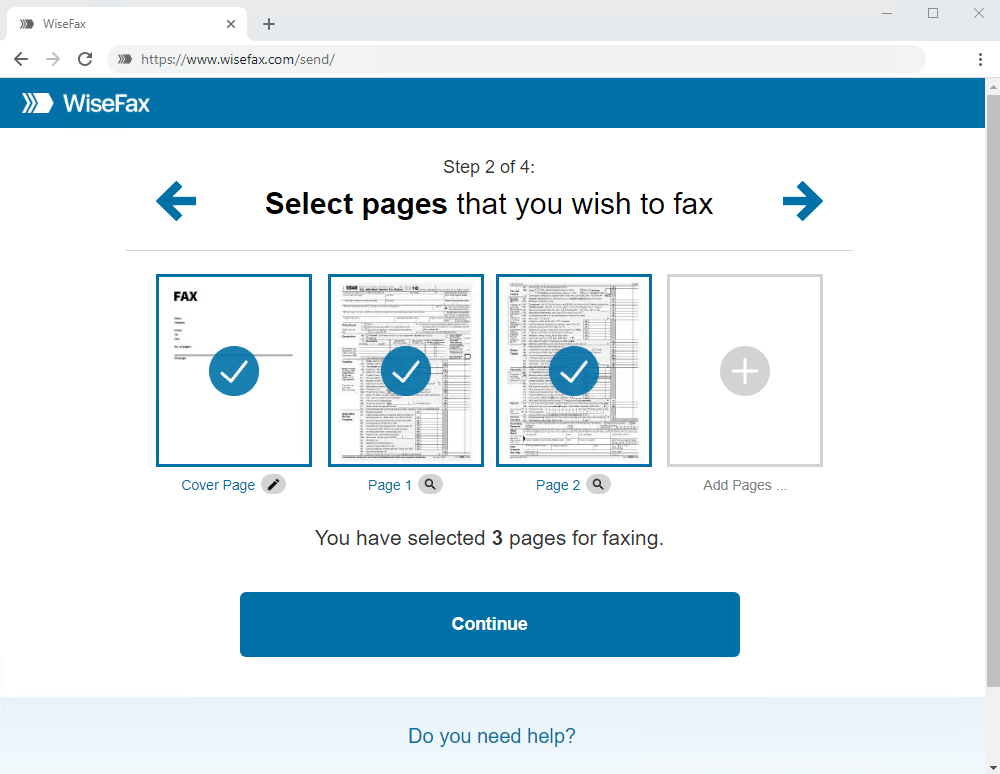
So, there is no need to prepare GIF for faxing as WiseFax will do this automatically. After that select the pages that you wish to fax. If you wish to add additional GIF files, then click Add Pages and select the pictures that you wish to add.
Once you have selected all the documents you want to fax, click Continue.
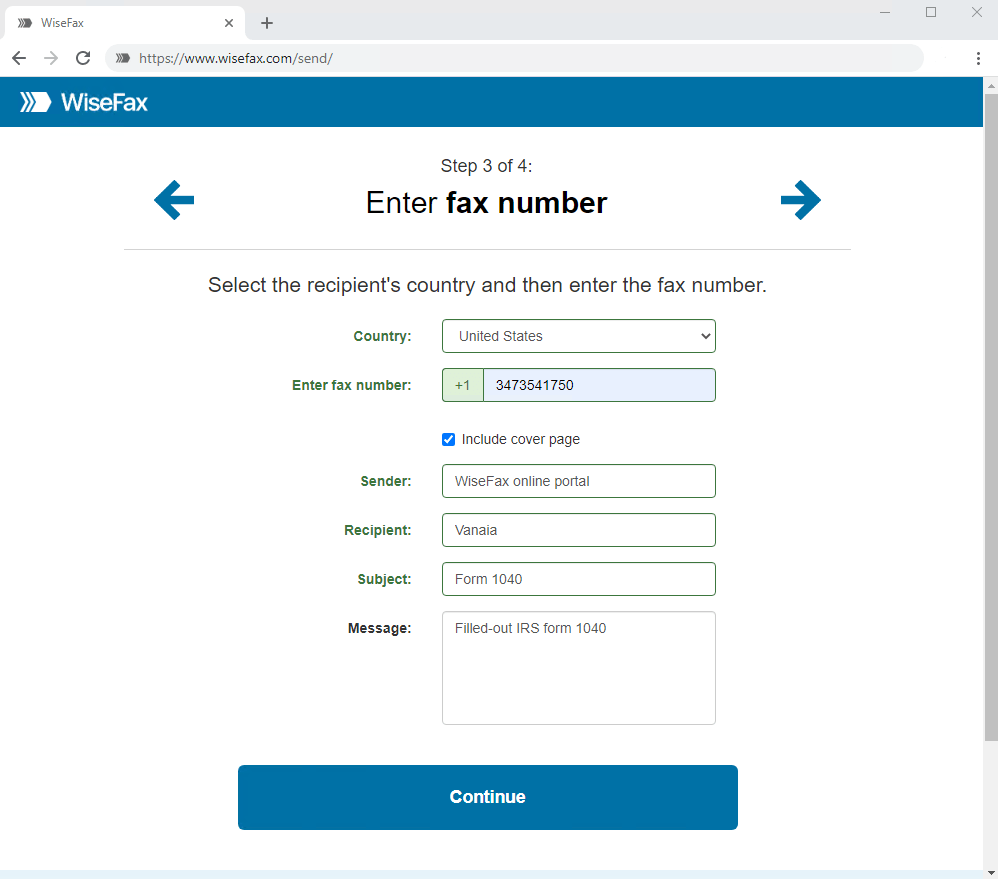
Enter the recipient’s fax number and click Continue.
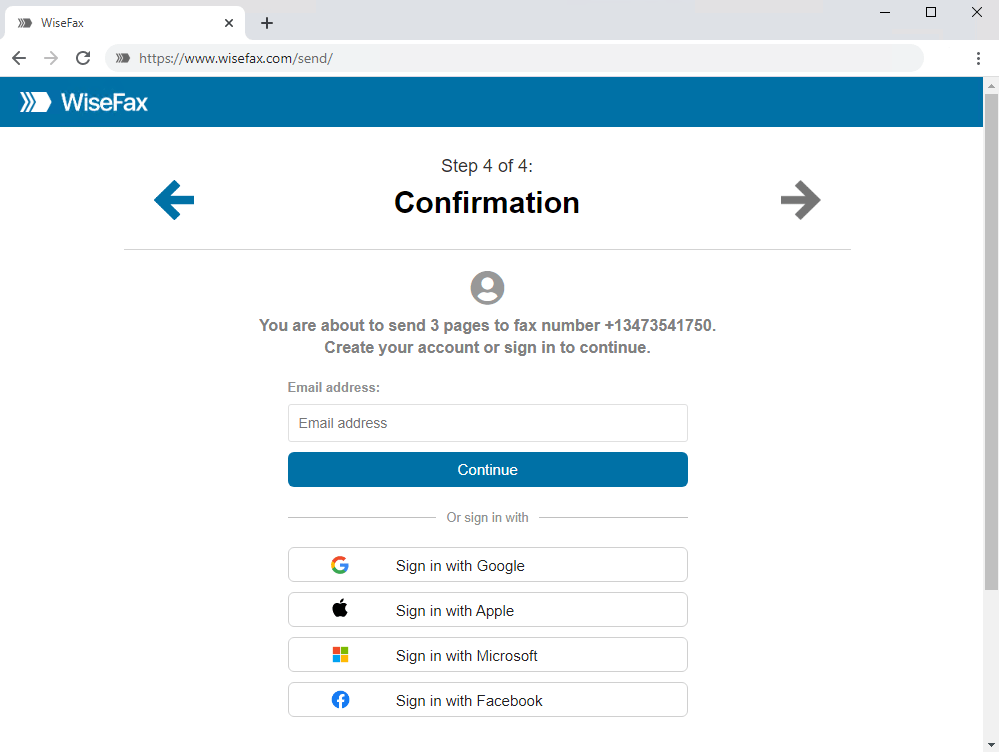
Signing in and confirming fax
Select an account that you wish to use to fax GIF. You can sign in with your email address or with your Google, Apple, Microsoft, or Facebook account.
If you don’t have enough fax tokens to send your fax yet, click the Buy required number of fax tokens button. It’s a blue button at the bottom of the page. Doing so opens a pop-up window where you can enter your credit or debit card details, or click the Other methods link in the upper-right corner of the window if you wish to use PayPal or Amazon as your payment method.
The last step is to click the Send button. You will receive an email notification as soon as WiseFax starts processing your fax. This usually happens a couple of minutes after you click Send. In conclusion, you don’t have to prepare GIF for faxing if using WiseFax fax service!
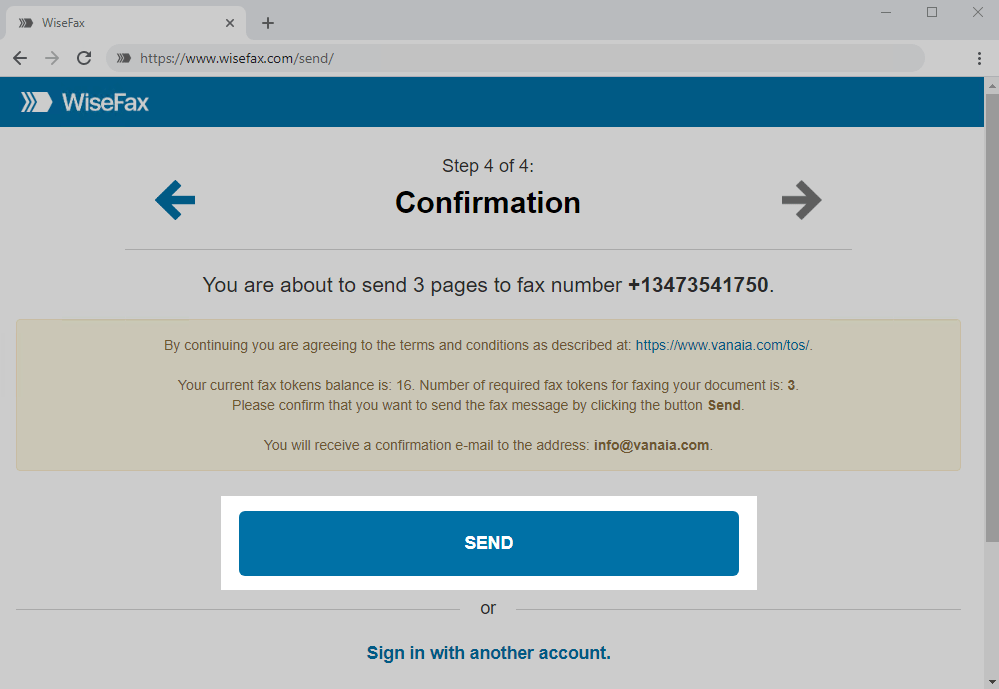
You will receive an email confirmation as soon as your fax is delivered to the recipient.
If for some reason WiseFax is unable to fax your GIF file (for example, if the recipient’s line is temporarily unreachable or busy), you will also receive an email notification from WiseFax. You can then fax your document again later without buying additional fax tokens.
More resources
How to fax a Word document?
How to send a fax from Google Docs?
WiseFax website
How to send a fax online?
Purchase more tokens for a better price
Now you know that you don’t have to prepare GIF for faxing if using WiseFax fax service!