


Here, we explain how to fax a recipe quickly and easily. With the WiseFax online fax service, you can send a recipe from your computer or phone in just a few seconds.
- Upload your recipe to WiseFax and select the pages you want to fax
- Select the recipient’s country and enter the fax number
- Sign in and make a one-time purchase of fax tokens, if required
- Click the “Send” button to confirm your fax
How to fax a recipe?
Fax machines are still common in restaurant and catering kitchens, school and hospital cafeterias, at food suppliers, and in many homes. Whether you want to send a family recipe to a relative who still uses a fax machine, share a dish with a catering partner, or submit a recipe to a cooking contest or local newspaper that accepts entries by fax, WiseFax lets you fax a recipe quickly, easily, and securely, without a fax machine. Start by uploading your recipe to WiseFax. You can fax a typed recipe as a Word or PDF document, or take a photo of a handwritten recipe card or a cookbook page and fax the image.
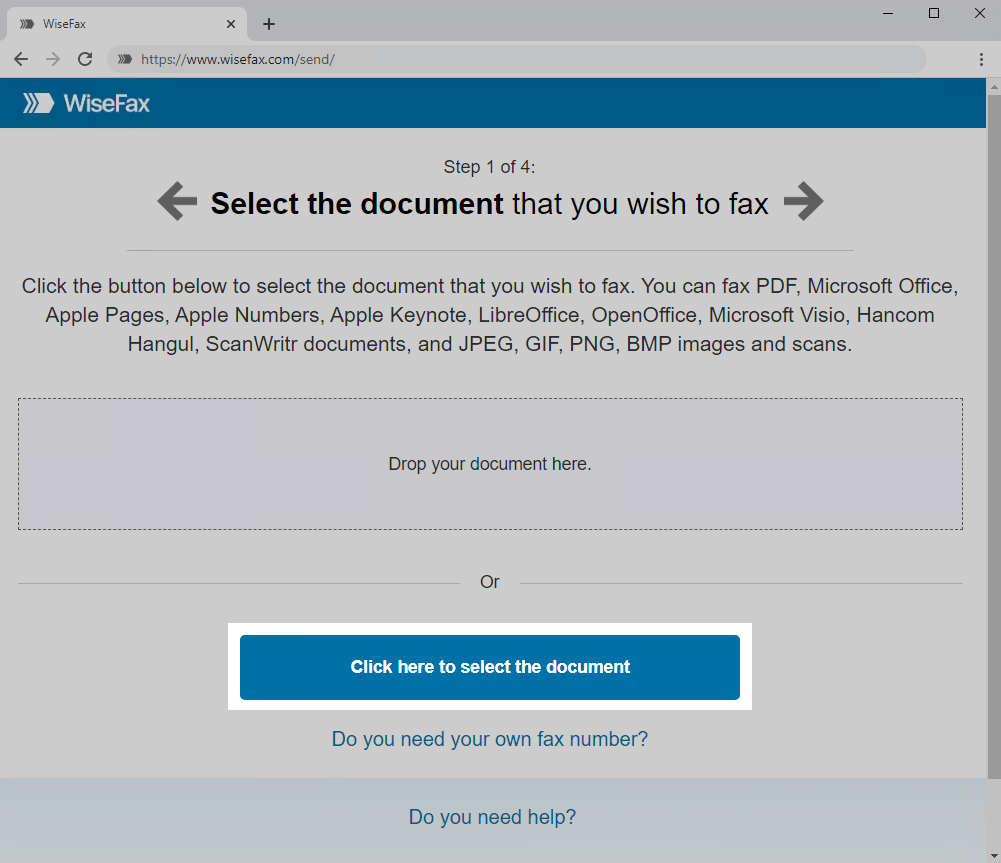
To upload your recipe, use the Click here to select the document button. A new window will open where you can select the file you want to fax. Handwritten recipe cards are easiest to read when you photograph them in good light. Before faxing, you can crop the image and improve its contrast.
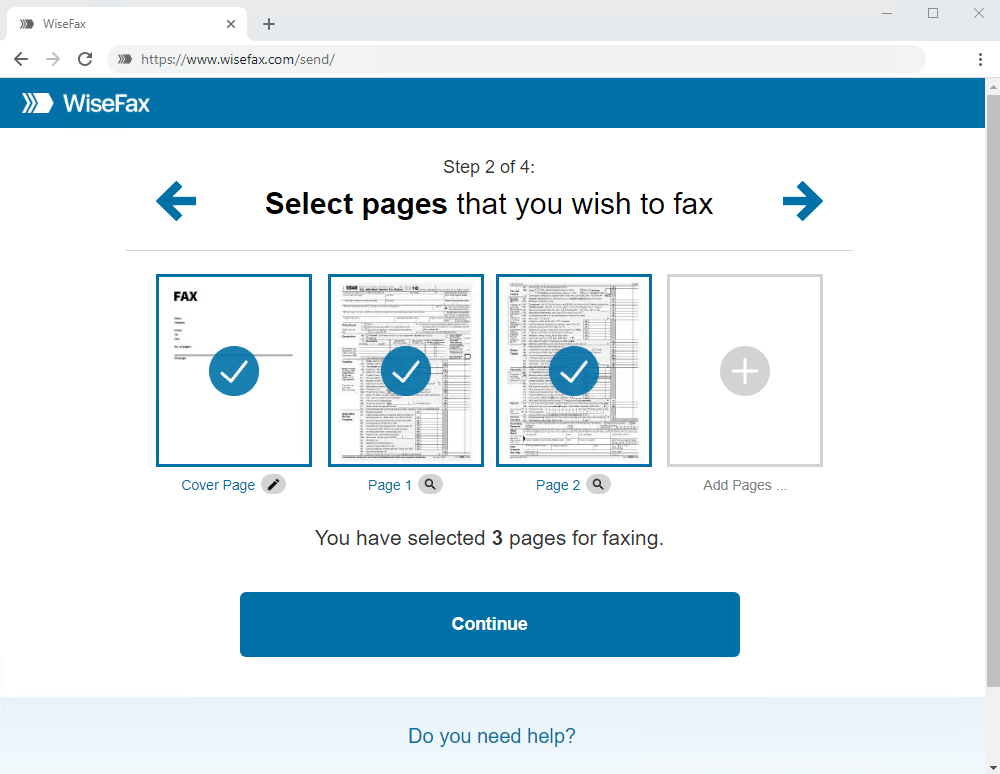
Next, select the pages you want to fax. To add pages from another document, click Add Pages and select that document. You can also add a cover sheet, for example with a short note for the recipient. Once you have selected all the pages, click Continue.
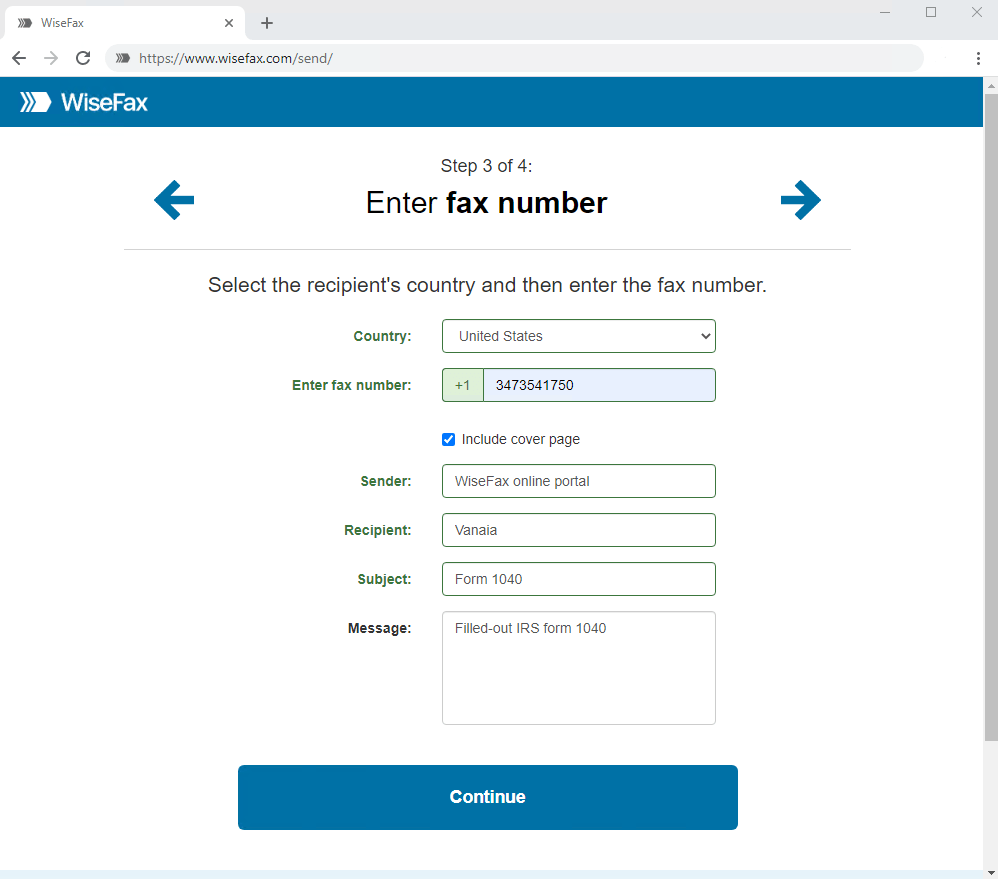
Enter the recipient’s fax number and click Continue.
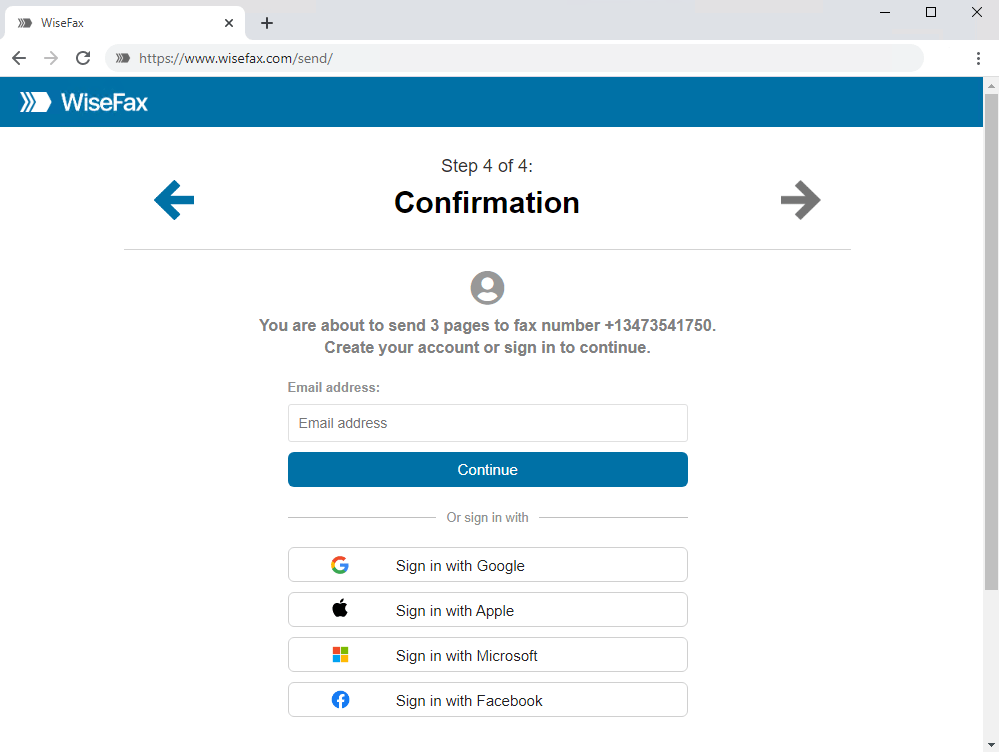
Signing in and confirming fax
Select the account you want to use to fax your recipe. You can sign in with your email address or with your Google, Apple, Microsoft, or Facebook account.
If you don’t have enough fax tokens, choose one of the purchase options and make a one-time payment. The last step is to click the Send button. You will receive an email notification as soon as WiseFax starts processing your fax. This usually happens within a few minutes.
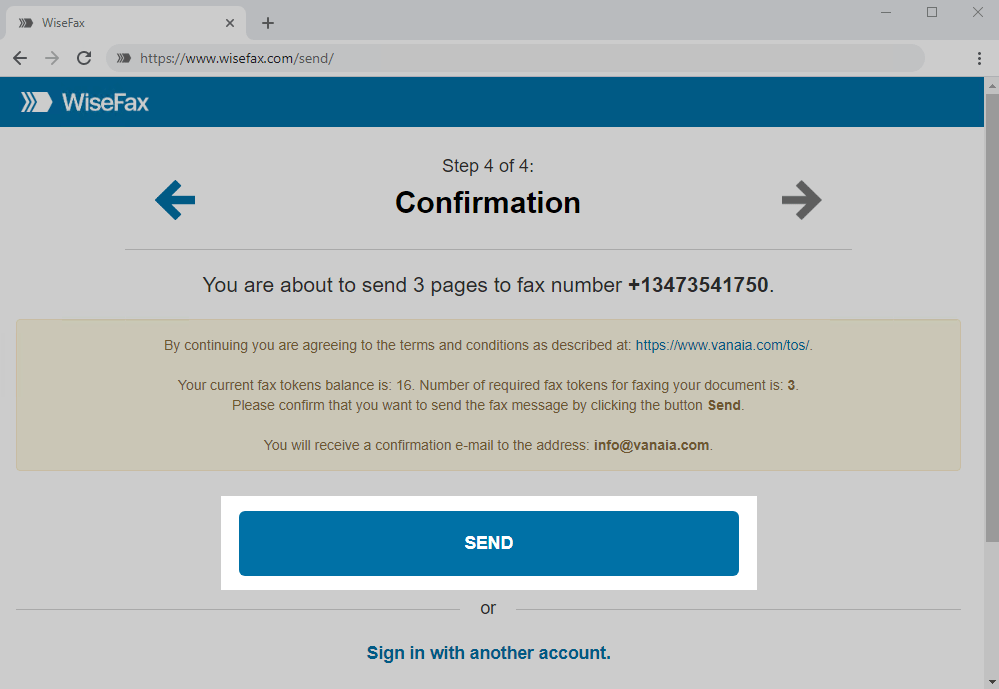
You will receive an email confirmation as soon as your fax is delivered to the recipient. If WiseFax can’t deliver your recipe, you will also receive an email notification, and you can send it again later without buying additional fax tokens.
Now that you know how to fax a recipe, click Send a fax now and share your favorite dish.
More resources
How to fax a PDF document?
How to send a fax online?
WiseFax online fax service
How to fax a Word document?
How to send a fax from Google Docs?
Purchase more tokens for a better price